AI Storyboard & Story-to-Video Generator
Turn your story into an AI video.
Write a story or just a few lines. powervideos drafts a five-shot storyboard with ChatGPT Image2, then brings it to life as a 15-second video with Seedance 2.0.
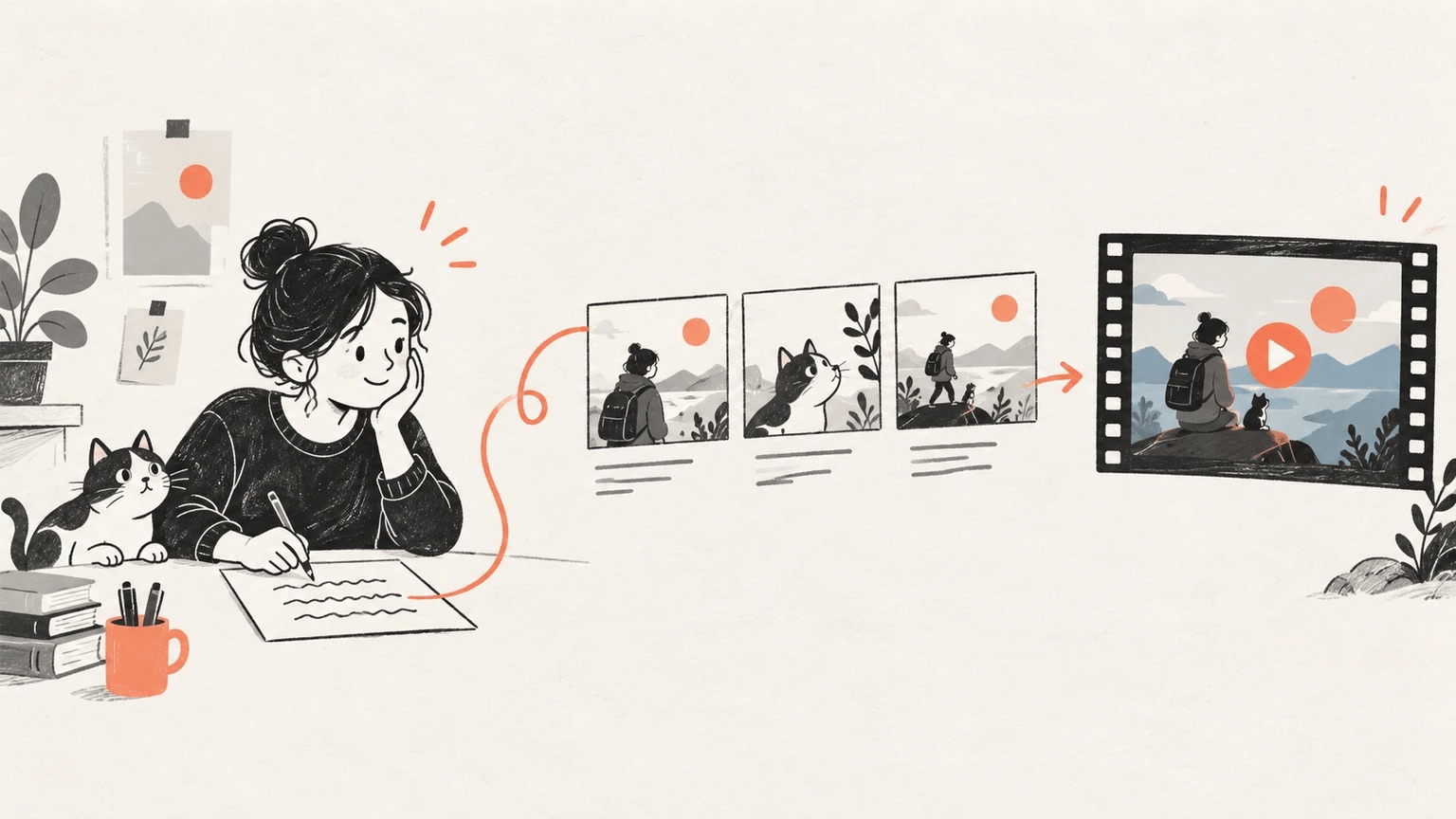
Write the story once. Generate a ChatGPT Image2 storyboard, then confirm it for a 15-second Seedance 2.0 video.
Write story
Describe characters, scenes, camera, mood, and visual style in your own words.
HOW IT WORKS
From a first idea to a story in motion
A connected workflow for storytelling.
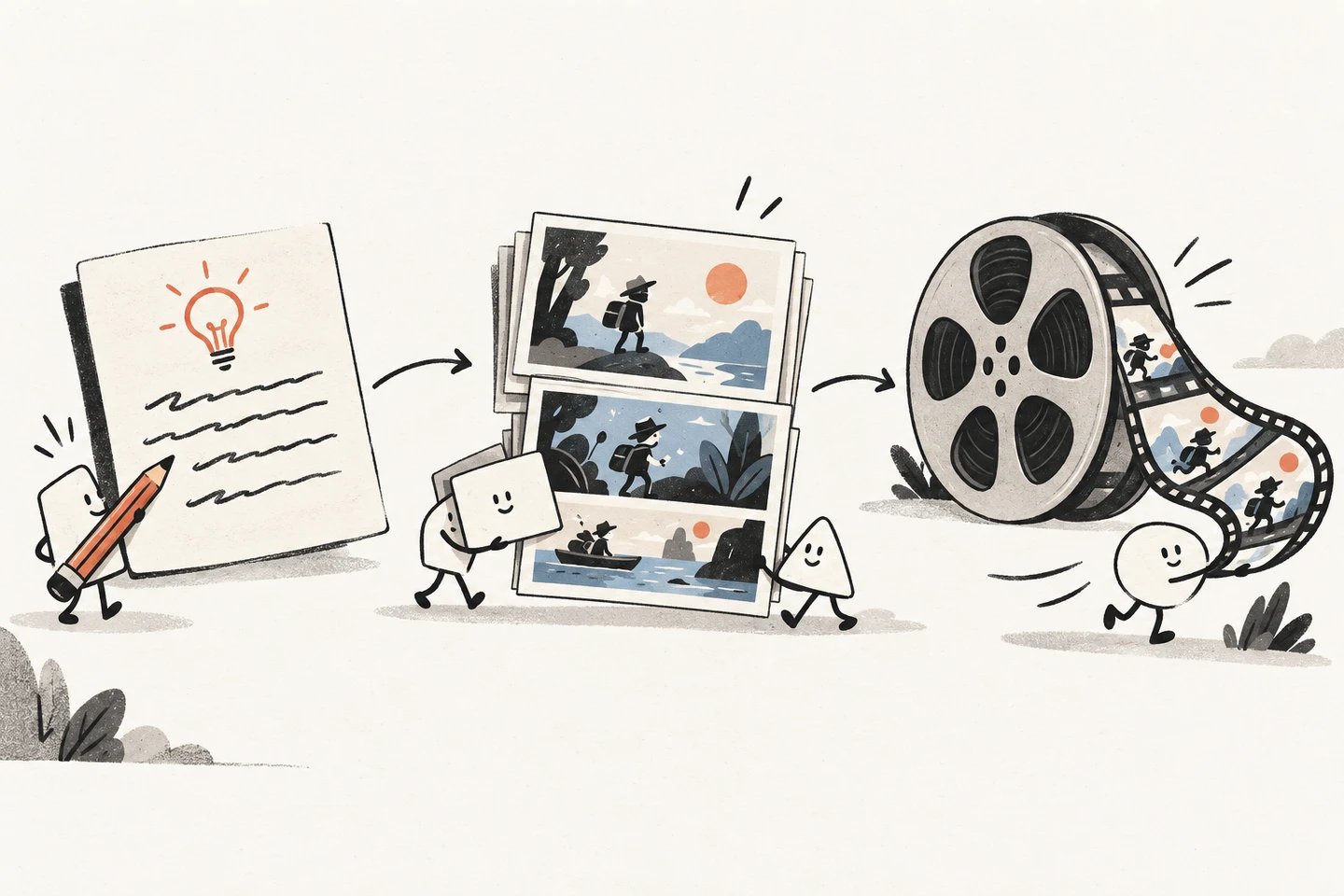
Tell your story
Describe an idea in your own words. Start with a short story, a paragraph, or the outline of a scene.
Let AI plan the scenes
AI identifies the key moments in your text and organizes them into a five-shot visual sequence with timecodes and camera direction.
Create storyboard images
ChatGPT Image2 turns the scene sequence into a storyboard that becomes the visual reference for the video.
Generate the video
Seedance 2.0 uses the storyboard to bring the story into motion as a 15-second video.
CREATION STACK
The right model at each creative step
ChatGPT Image2 creates the visual language. Seedance 2.0 carries those frames into motion.
ChatGPT Image2
Build a consistent storyboard from each scene.
Seedance 2.0
Turn the approved frames into a connected video sequence.
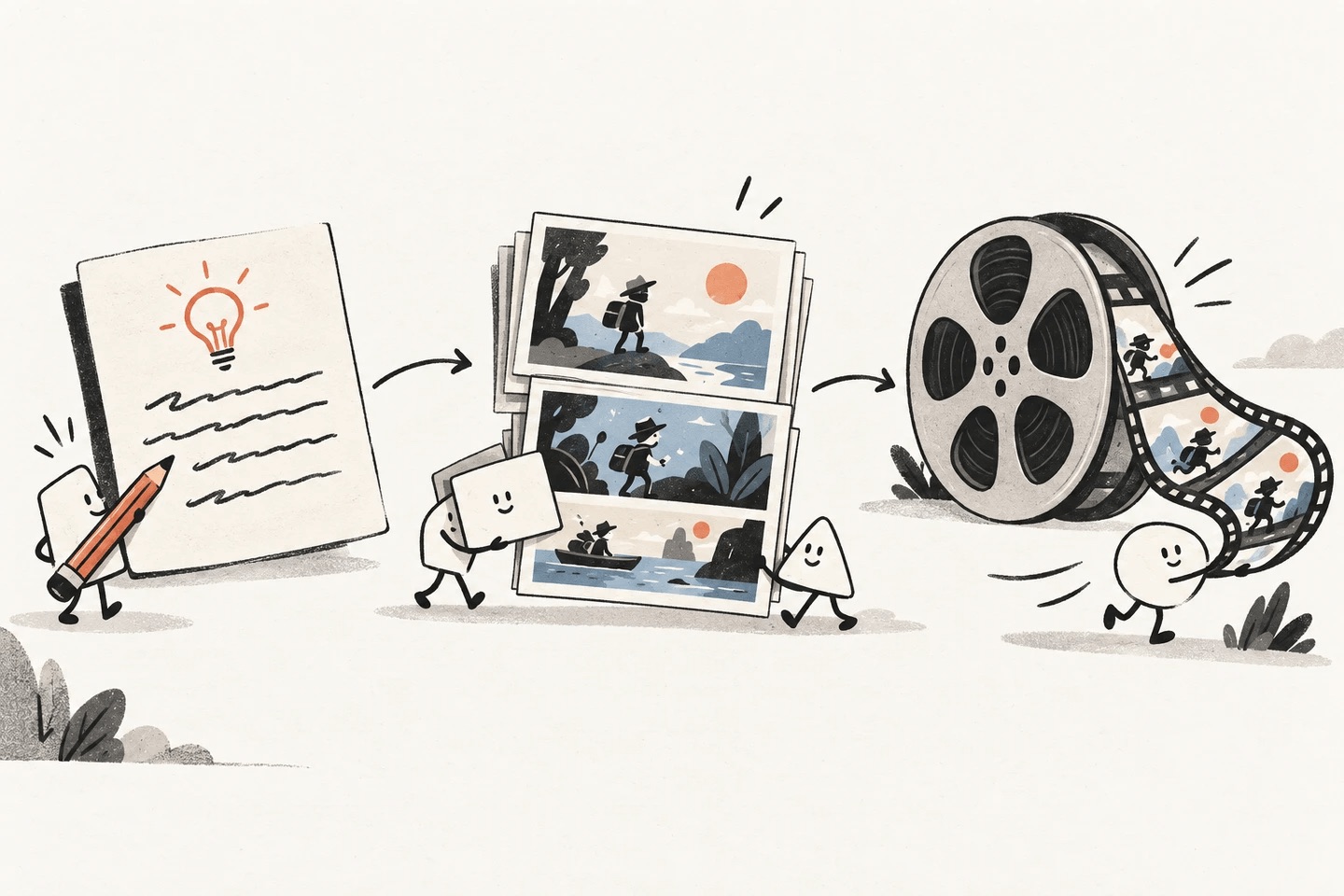
Every story, storyboard, and video in one place
Your generation history keeps each story together with its storyboard and video, so you can revisit, download, or start a new version at any time.
Storyboard first
Check the characters, setting, and camera plan on a five-shot storyboard before spending credits on a video.
Motion
Turn an approved storyboard into a 15-second, 720p Seedance 2.0 video with audio.
History
Watch, download as MP4, or delete any past storyboard and video from your generation history.
WHAT WILL YOU CREATE?
Small ideas, many possible stories
A few starting points for the stories you could tell with powervideos.
Short stories
A curious character, an unexpected encounter, a world of your own. Give your imagination a visual starting point.
Brand stories
Describe a product moment or the feeling behind your brand, then explore how that idea could unfold on screen.
Social video ideas
Turn a daily observation, a small lesson, or a playful idea into the starting point for a short video.
Plans for your next chapter
Subscribe to Pro for monthly credits. A storyboard costs 8 credits; a 15-second video costs 450 credits.
QUESTIONS, ANSWERED
Before your first story
powervideos is an AI story-to-video generator. You describe a story in plain language, review a 16:9 five-shot storyboard created with ChatGPT Image2, then turn it into a 15-second 720p video with Seedance 2.0.
It works in three steps. First, you write your story. Second, ChatGPT Image2 draws a 16:9 storyboard that splits 15 seconds into five timecoded shots with camera directions. Third, once you approve it, Seedance 2.0 uses the storyboard as its visual reference to animate the video, keeping characters, style, and color palette consistent.
Every video is 15 seconds long, 720p, in 16:9 widescreen, with generated audio. You can play it in the browser or download it as an MP4 file.
Pro costs $14.99 per month or $149 per year and includes 1,200 credits every month; unused credits carry over while you stay subscribed. Pro subscribers can also buy one-time credit packs. A storyboard costs 8 credits and a 15-second video costs 450 credits, so 1,200 credits cover two videos plus dozens of storyboard drafts.
Storyboards are generated with ChatGPT Image2 (GPT Image 2), and videos are generated with ByteDance Seedance 2.0. The storyboard is passed to Seedance as a reference image, so the video follows the characters, setting, and camera plan you approved.
No. Describe who the story is about, where it happens, what changes, and the visual style you want, for example anime, watercolor, or cinematic. A few sentences are usually enough, and the storyboard step lets you check the result before generating a video.
If a storyboard or video fails or times out, the credits are refunded to your account automatically and you can try again.
Yes. Every storyboard and video is saved in your generation history, where you can watch it, download the video, or delete it. Deleting removes the storyboard, the video, and the record permanently.
What story will you tell first?
Write a few lines, review the storyboard, and generate your first 15-second video.
Stay close to the story
Product notes, in your inbox
Get powervideos launch news, workflow updates, and ideas for your next story.