Deploy to Production
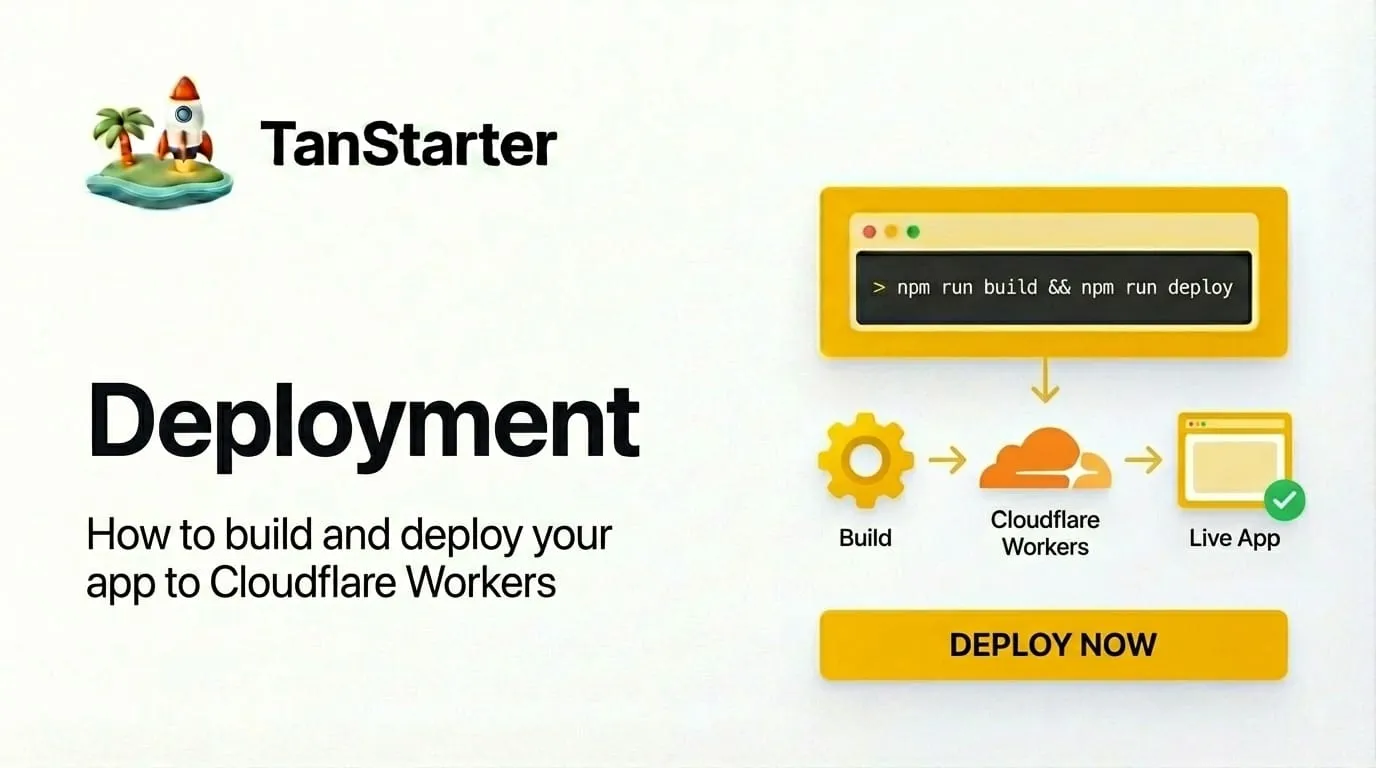
How to build and deploy your app to Cloudflare Workers.
Once your app is ready, you can deploy it with a single command.
Build
Create an optimized production build:
pnpm build
The output goes to dist/ by default. For Cloudflare, the worker entry and assets live under dist/server/ and dist/client/. The build uses the Cloudflare Vite plugin, so the bundle is ready for Workers.
Deploy to Cloudflare
If you use the included Wrangler setup:
pnpm deploy
This runs pnpm build and then wrangler deploy. Configure your account and bindings in wrangler.jsonc, and set any required environment variables or secrets with wrangler secret.
Check the Worker bundle size
Cloudflare Workers Free and Paid plans both allow an uncompressed Worker bundle of up to 64 MiB. There is no compressed-size limit; the gzip size in Wrangler's output is only provided for reference.
Check the bundle before deploying:
pnpm exec wrangler deploy --outdir bundled/ --dry-run
The Total Upload value is the uncompressed size that counts toward the 64 MiB
limit. See Cloudflare's Worker size limits
for the current details.
Good luck with your launch.